AI for business in 2026: agents, RAG, MCP and the trends that drive revenue
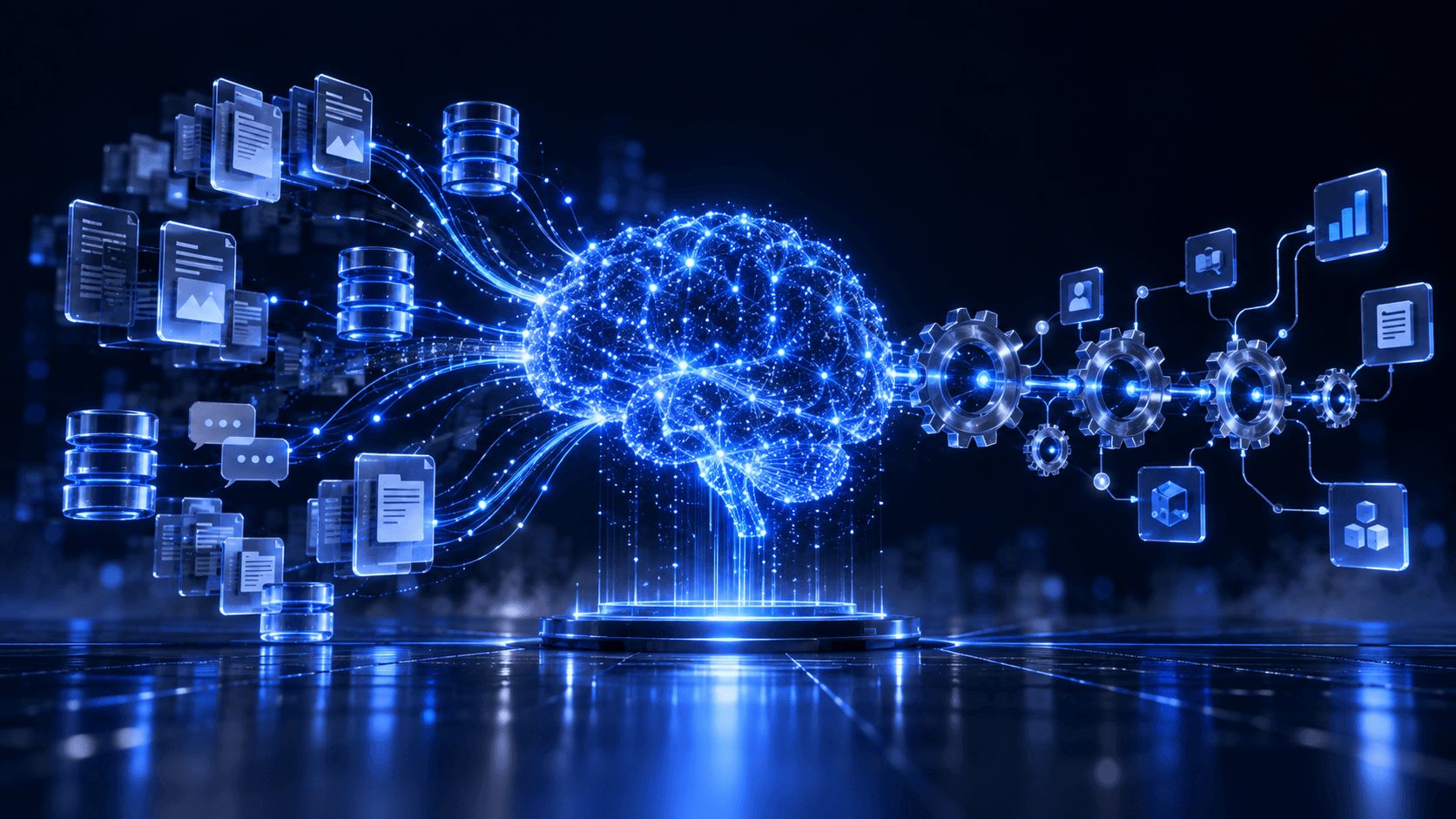
In short: for AI to create real value in a company, "using ChatGPT" isn't enough. You need to connect it to your own data (RAG, with embeddings and vector databases), give it the ability to act (agents with tools) and chain it into your business systems (workflow automation). On top of that foundation sit the trends that now separate the leaders: agentic AI, MCP, reasoning models, voice agents, private open-source models, GraphRAG, evaluation and governance, and GEO/AEO to show up in AI answers. Done well, it cuts hours of manual work and improves customer service; done badly, it makes up answers, leaks data and blows up costs.
Why isn't plain ChatGPT enough for your company?
A large language model (LLM) knows a lot about the world, but it doesn't know your company: your prices, contracts, processes, customers or internal documents. When it doesn't know something, it often makes it up with total confidence (the famous hallucinations). And on its own it can't look up your CRM, create an invoice or answer an email.
The four pieces that close that gap are RAG, embeddings, vector databases and agents.
Quick glossary: the buzzwords, explained without the hype
| Concept | What it is | What it's for |
|---|---|---|
| LLM | A language model (GPT, Claude, Gemini, Llama…) | Understanding and generating text |
| Embedding | A list of numbers representing the meaning of a text | Searching by meaning, not exact words |
| Vector database | A database optimised to store and compare embeddings (pgvector, Pinecone, Qdrant, Chroma) | Finding the most relevant passages in milliseconds |
| RAG | Retrieval-Augmented Generation: search your data first, then answer with that context | Answers grounded in your documents, with sources |
| Agent | An LLM that can decide and use tools (APIs, databases, email) | Solving multi-step tasks |
| MCP | Model Context Protocol, an open standard to connect models with tools and data | Reusable, safer integrations |
| Workflow automation | Orchestrating steps across systems (n8n, Make, custom code) | Making the process happen end to end on its own |
How does a RAG system work?
- Ingestion: documents are collected (PDFs, Drive, Notion, CRM, knowledge base, tickets).
- Chunking: they're split into meaningful pieces.
- Embeddings: each chunk becomes a vector that captures its meaning.
- Indexing: vectors are stored in a vector database with their metadata and permissions.
- Query: when someone asks, the question is also turned into a vector and the most similar chunks are retrieved (often combined with keyword search: hybrid search).
- Reranking: a reranker model prioritises the most useful chunks.
- Generation: the LLM answers using only that context and cites its sources.
- Evaluation and monitoring: answer quality is measured and failures are fixed.
The result: an assistant that answers with your company's information, says where it got it and admits when it doesn't know.
What are AI agents and when should you use them?
An agent combines an LLM with tools and a goal. Instead of just answering, it decides steps: look up an order, check inventory, draft a reply, open a ticket and alert a person if something doesn't add up.
Use them when the task has several steps and decisions (tier-2 support, proposal preparation, reconciliations, research). For simple, repetitive tasks, a traditional automation is usually cheaper and more predictable.
10 use cases that pay off
- 24/7 customer support with RAG over your knowledge base and hand-off to humans.
- Internal assistant answering questions about company policies, processes and documents.
- Sales: lead qualification, FAQ answers and automatic follow-ups.
- Proposals and quotes generated from templates and CRM data.
- Document processing: extracting data from invoices, contracts or forms.
- Back-office automation: reconciliations, reports and alerts.
- Voice agents to book appointments or handle frequent calls.
- Semantic search in catalogues and e-commerce ("a gift for a runner").
- Natural-language data analysis over your databases.
- Content generation in your brand voice, reviewed by people.
AI trends for business in 2026 (beyond the chatbot)
RAG, embeddings and automations are the foundation. This is what's making the difference right now:
1. Agentic AI: from answering to doing
The conversation moved from "what does the AI answer?" to "what work can it do for me?". Agents now prepare proposals, handle tickets end to end, research suppliers or reconcile accounts, with humans approving sensitive steps (human-in-the-loop). The key isn't the model but the design: limited tools, permissions, a log of every action and escalation rules.
2. MCP and A2A: the "USB ports" of AI
The Model Context Protocol (MCP) has become the standard way to connect models to tools and data (CRM, ERP, databases, Drive, Slack) without a custom integration for each case. Alongside it, agent-to-agent (A2A) protocols let agents from different vendors work together. For a company, that means reusable integrations that are easier to audit.
3. Multi-agent systems
Instead of one "super agent", teams of specialised agents: one researches, another drafts, another checks and another executes. Frameworks like LangGraph, CrewAI or the major providers' agent SDKs make them easier to orchestrate with state, retries and oversight.
4. Reasoning models
Models that "think" before answering have improved a lot on multi-step tasks: financial analysis, contract review, planning and coding. They cost more per answer, so they're used where mistakes are expensive and paired with fast models for simple work.
5. Real-time voice agents
Voice with near-human latency made phone agents viable for booking appointments, qualifying leads, friendly collections or tier-1 support, 24/7 and in several languages, connected to the CRM and calendar.
6. Multimodality: documents, images and video
Models read scanned invoices, blueprints, product photos, screenshots and video. That unlocks automation of processes that used to need "someone to look at the document": claims, inspections, customer onboarding or quality control.
7. Computer-use agents
Computer-use and browser agents operate interfaces like a person: they fill in forms, navigate portals without an API or pull information out of legacy systems. Useful for integrating legacy software, with strict controls.
8. Small, open and private models
Open models (Llama, Qwen, Mistral, DeepSeek, Gemma) and small models fine-tuned for one task let you run AI in your own cloud or even on-device: more privacy, lower latency and predictable costs. The trend is a router that sends each task to the cheapest model that handles it well.
9. Next-generation RAG: GraphRAG and agentic RAG
RAG has evolved: GraphRAG combines vector search with knowledge graphs to answer questions that span many sources ("which customers with an expired contract have open tickets?"), and agentic RAG decides what to search, where and how many times before answering.
10. Evaluation, observability and guardrails (LLMOps)
Companies that scale AI measure it: test sets (evals), traces of every answer, cost per conversation, hand-off rate to humans and safety filters (guardrails) against data leaks and prompt injection. Without this, AI never gets past the pilot.
11. AI governance and regulation
Frameworks such as the EU AI Act and each country's data-protection laws require transparency, risk management and human oversight depending on the use. Having AI policies, a system inventory and decision logs is now part of doing business with large companies.
12. GEO and AEO: showing up in AI answers
More and more customers ask ChatGPT, Perplexity, Gemini or Google's AI overviews instead of searching for links. GEO (Generative Engine Optimization) and AEO (Answer Engine Optimization) mean structuring your content —direct answers, verifiable facts, structured data, brand authority— so AI cites you as a source.
13. Agentic commerce and payments
Agents are starting to compare, quote and buy on behalf of users and companies, and standards are emerging so they can pay securely. Having "agent-readable" catalogues, prices and APIs will matter as much as having an online store. This is where AI meets tokenization: programmable payments and digital assets that agents can manage.
14. AI cost optimisation
Prompt caching, batch processing, small models for simple tasks, semantic caching and per-customer usage limits can cut the bill significantly without losing quality. Profitable AI is designed, not improvised.
The mistakes that sink an AI project
- Messy data: if the source information is outdated or contradictory, so will the AI be.
- No permissions: an assistant that shows confidential documents to anyone is a legal risk.
- No evaluation: without a test set of questions, you can't tell whether one improvement broke something else.
- Prompt injection: malicious content trying to make the agent do what it shouldn't. Mitigate it by limiting tools, validating actions and requiring human confirmation for sensitive steps.
- Uncontrolled costs: big models for small tasks, with no caching or usage limits.
- AI vibe coding: prototypes built without architecture that can't survive production (we cover this here).
A practical 30 / 60 / 90-day roadmap
- Days 1–30 — Assessment and pilot: pick a use case with measurable impact, prepare the data and build a pilot with real users.
- Days 31–60 — Production: permissions, evaluation, monitoring, integration with your systems and team training.
- Days 61–90 — Scale: new workflows and agents, cost optimisation and ROI metrics.
How does Key Lab do it?
We design and ship production-ready AI systems: enterprise RAG with hybrid search, vector databases (pgvector, Pinecone, Qdrant, Chroma), multi-agent systems and voice agents, MCP integrations, GraphRAG, workflow automation with n8n, Make and Python, and GEO/AEO strategies so your brand shows up in AI answers. We work with commercial and open-source models depending on privacy, cost and performance —always with evaluation, permissions and monitoring.
Frequently asked questions
What is agentic AI?
It's the use of AI agents that don't just answer but plan and carry out multi-step tasks using tools (APIs, databases, email, the browser), with limited permissions and human oversight on sensitive decisions.
What is MCP (Model Context Protocol)?
An open standard for connecting AI models to tools and data sources in a uniform way. It lets the same assistant or agent use your CRM, documents or database without building a separate integration for each one.
What is RAG in artificial intelligence?
RAG (Retrieval-Augmented Generation) is a technique in which the AI first retrieves relevant information from your own documents and then generates the answer using that context. That way it answers with your company's data, cites sources and hallucinates less.
What are embeddings?
They're numerical representations of the meaning of a text (or an image). Two texts that say the same thing in different words have similar embeddings, which makes searching by meaning possible.
What is a vector database?
A database designed to store embeddings and quickly find the ones most similar to a query. Examples: pgvector (on PostgreSQL), Pinecone, Qdrant and Chroma.
What's the difference between a chatbot and an AI agent?
A chatbot answers questions. An agent also acts: it uses tools, queries systems and carries out multi-step tasks towards a goal, ideally with limits and human oversight.
Will my data be exposed if I use AI?
It doesn't have to be. You can use providers that commit not to train on your data, privately deployed models, per-user permissions and anonymisation of sensitive information.
How much does it cost to implement AI in a company?
It depends on the use case, the data volume and the integrations. A well-scoped pilot can be in production within weeks; what matters is measuring the return from day one.
Want to know which of your company's processes AI can automate? Book an assessment with Key Lab. And if your business works with real assets, see how asset tokenization works too.